| View previous topic :: View next topic |
| Author |
Message |
vitezu
Junior

Joined: 10 May 2021
Posts: 9
|
 Posted: 28/07/2021 13:07 Post subject: Help upload lauer-pcs-095-plus Posted: 28/07/2021 13:07 Post subject: Help upload lauer-pcs-095-plus |
 |
|
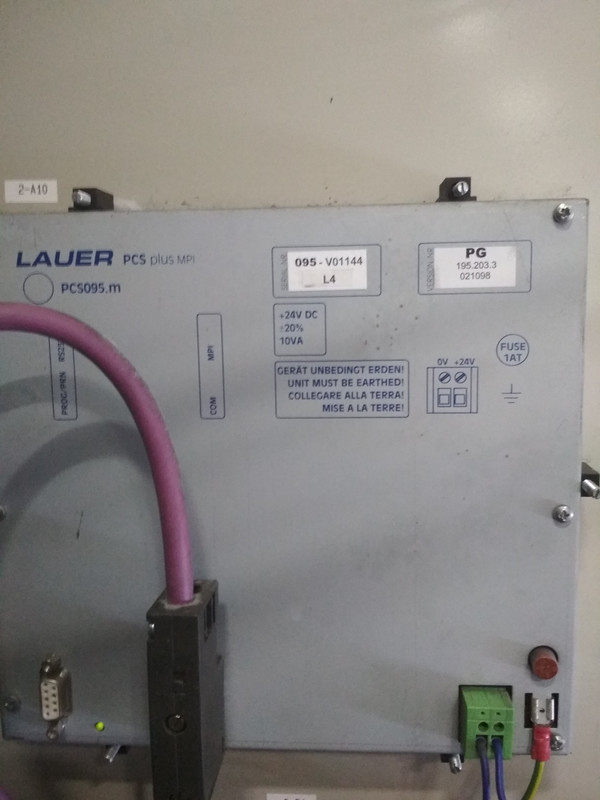
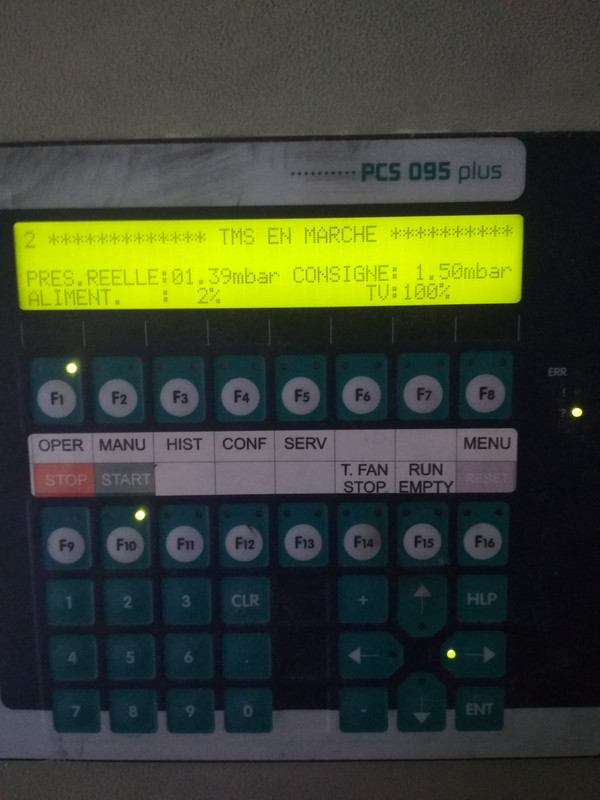
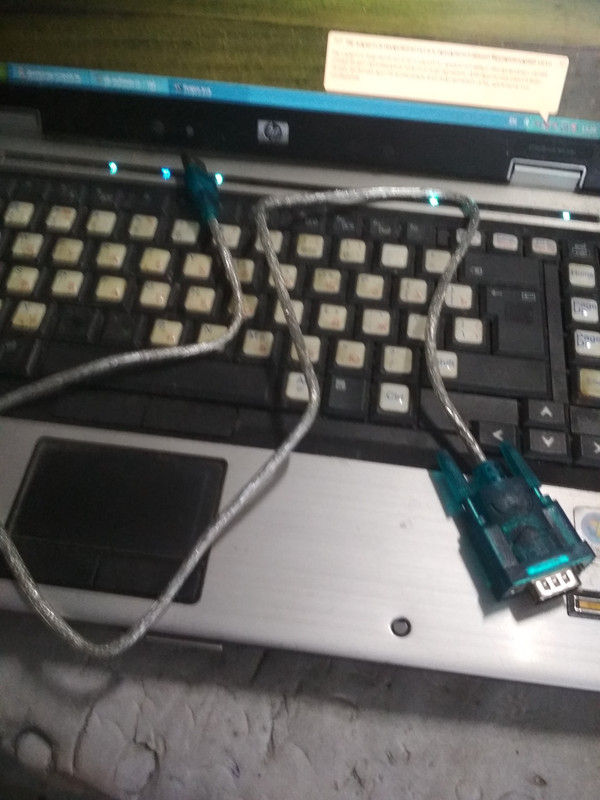
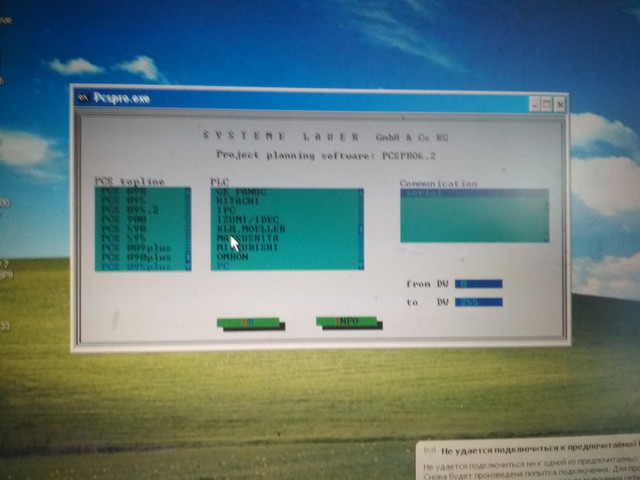
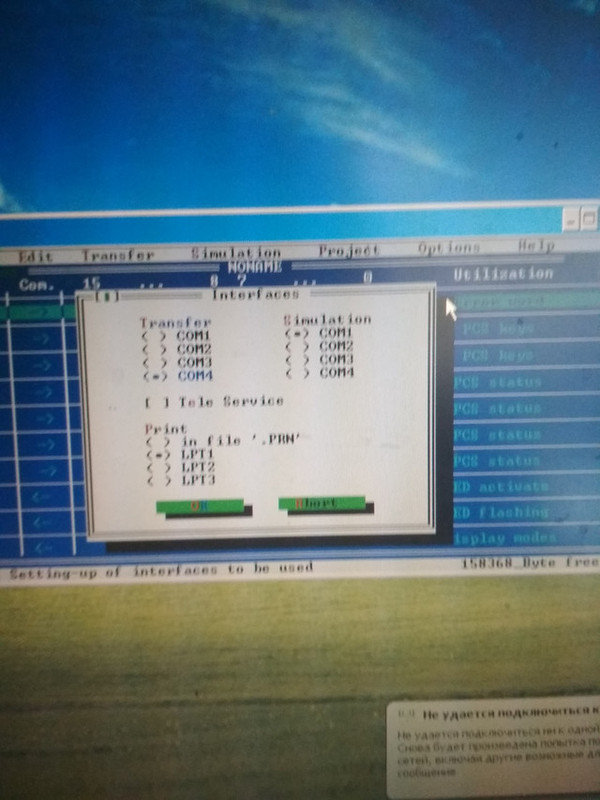
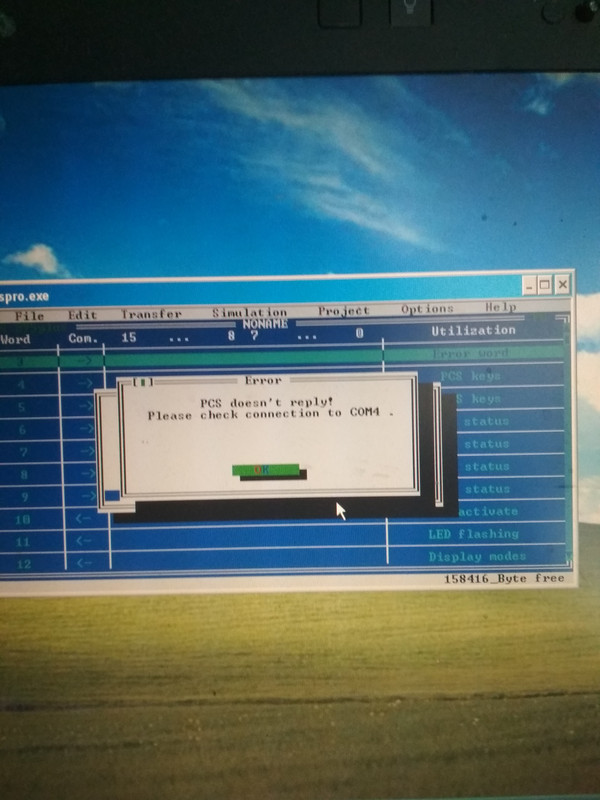
I dont have connection with this panel. Please help me. Can anybody worked for whis panel? I try connect the rs232-usb cable on the foto, but without success. Interface settings are shown in the photo
https://ibb.co/4pcdVpd
https://ibb.co/vvBvS3x
https://ibb.co/fNbxGYV
https://ibb.co/gwVztvs
https://ibb.co/PhTvZm8
https://ibb.co/P5q48md
https://ibb.co/48vtsF6 |
|
| Back to top |
|
 |
ssss
Junior
Joined: 14 Nov 2017
Posts: 9
|
| Posted: 28/07/2021 15:16 Post subject: |
|
|
What cable
 |
|
| Back to top |
|
|
vitezu
Junior
Joined: 10 May 2021
Posts: 9
|
| Posted: 28/07/2021 15:56 Post subject: |
|
|
such as below
https://www.chipdip.by/product/pl1391
connect it in the first interface on panel for programming rs232 |
|
| Back to top |
|
|
ssss
Junior
Joined: 14 Nov 2017
Posts: 9
|
| Posted: 28/07/2021 17:00 Post subject: |
|
|
I did not find driver for this.
Maybe you have to use a cable with appropriate driver.
Otherwise you'll fail
l |
|
| Back to top |
|
|
vitezu
Junior
Joined: 10 May 2021
Posts: 9
|
| Posted: 28/07/2021 17:38 Post subject: |
|
|
| I use this cable in other places, its ok. Driver for this cable - usb serial ch340 (id USB\VID_1A86&PID_7523&REV_0254) |
|
| Back to top |
|
|
ceh222
Junior
Joined: 26 Jul 2021
Posts: 4
Location: Slovakia
|
| Posted: 30/07/2021 21:12 Post subject: |
|
|
Programing of the PCS is done with the menu „TRANSFER“. On selection
of this menu point the created data record will be compiled and
transfered into the PCS. The setting of the transfer baud rate (DIL 7 to
the PCS) is automatically taken into consideration by the project planning
software.
DIL 7 ON = 115 kBaud transfer rate
DIL 7 OFF = 37.5 kBaud transfer rate
The setting of the PC-Interfaces requisitioned for the programming and
simulation is done in the menu „OPTIONS“ under the heading „INTERFACES
“.
Driver parameter The configuration of the driver software is undertaken with the „DRIVER
PARAMETERS“ in the pull down menu „PROJECT“. In the selection field
„INTERFACE“, differing interface configurations can be assigned to the
various DIL switch positions, (DIL5/6) at the PCS. If the respective arrow
button is chosen, then the possible settings will be displayed. They in
turn can be taken over by actitvating the [ENTER] key, i.e. the left mouse
button. In selecting the L1 driver, the programmer has the possibility of
choosing between TTY, RS232 and TTY Timeout * 10. The setting of „TTY
Timeout * 10“ is proposed for the application of the PCS along with the
AUTOMUX PCS 809 at the AG-interface of the SIEMENS controls.
The precise significance of the individual driver settings can be gleaned
from the corresponding manuals PCS 91.SIE, PCS 91.AEG, PCS 91.BOS
etc.
[url=http://www.girlshare.ro/3770088206.5]595628.pdf[/url] |
|
| Back to top |
|
|
|

 FAQ
FAQ Search
 Memberlist
 Usergroups
 Register
 Profile
 Log in to check your private messages
 Log in


